


Buying a used iPhone can save you money, but one wrong decision could leave you with expensive repairs or a device that cannot be activated.
Before handing over your money, take a few minutes to check for common warning signs:
- Hidden physical damage that affects long-term performance.
- Fake or replaced components that reduce reliability.
- Activation Lock or unpaid finance linked to the device.
- Battery health issues that shorten daily use.
With over three decades of hands-on repair experience, AMT Electronics has inspected thousands of Apple devices and understands the problems buyers commonly overlook. Whether you’re considering Pre-Owned iPhones in Melbourne or simply want to avoid an expensive mistake, this guide explains the practical checks that matter before you buy.
Buying a used iPhone is safest when you verify its physical condition, battery health, Activation Lock status, serial number, repair history, and warranty before purchase. Based on practical experience from AMT Electronics, a trusted provider of iPhone Repairs in Melbourne, these checks help buyers avoid hidden faults that quite often lead to unexpected repair costs or unreliable performance after purchase.
Should You Trust the Appearance of a Used iPhone?
A clean-looking iPhone is not always a healthy device. The cosmetic condition tells only part of the story because many internal faults stay invisible until you start using the phone.
Many sellers polish the device, fit a new screen protector, and clean the housing before listing it. Presentation matters, but experienced technicians know that appearance alone should never drive your decision.
Look closely for:
- Uneven gaps between the screen and frame.
- Loose display edges that flex under light pressure.
- Scratches around the pentalobe screws.
- Bent corners or a twisted chassis.
- Camera lenses showing dust or internal moisture.
These signs quite often point to previous repairs or impact damage that the seller has not disclosed.
What most buyers miss: A perfectly functioning display may not be the original Apple display. Aftermarket screens can reduce brightness, colour accuracy, Face ID compatibility, and touch responsiveness. Some replacement screens also draw more battery power over time, compressing the daily runtime from the first week of use.
What most experts miss: Many online buying guides simply recommend checking whether the phone turns on. In practice, experienced repair technicians also inspect how evenly the display sits within the frame. Tiny gaps quite often suggest previous repairs, missing waterproof seals, or frame distortion that leaves the device vulnerable to future moisture damage.
If you are unsure, visiting an iPhone Repairs Shop before completing the purchase provides an independent inspection that can save hundreds of dollars later.
How Can You Tell If the iPhone Has Been Repaired Before?
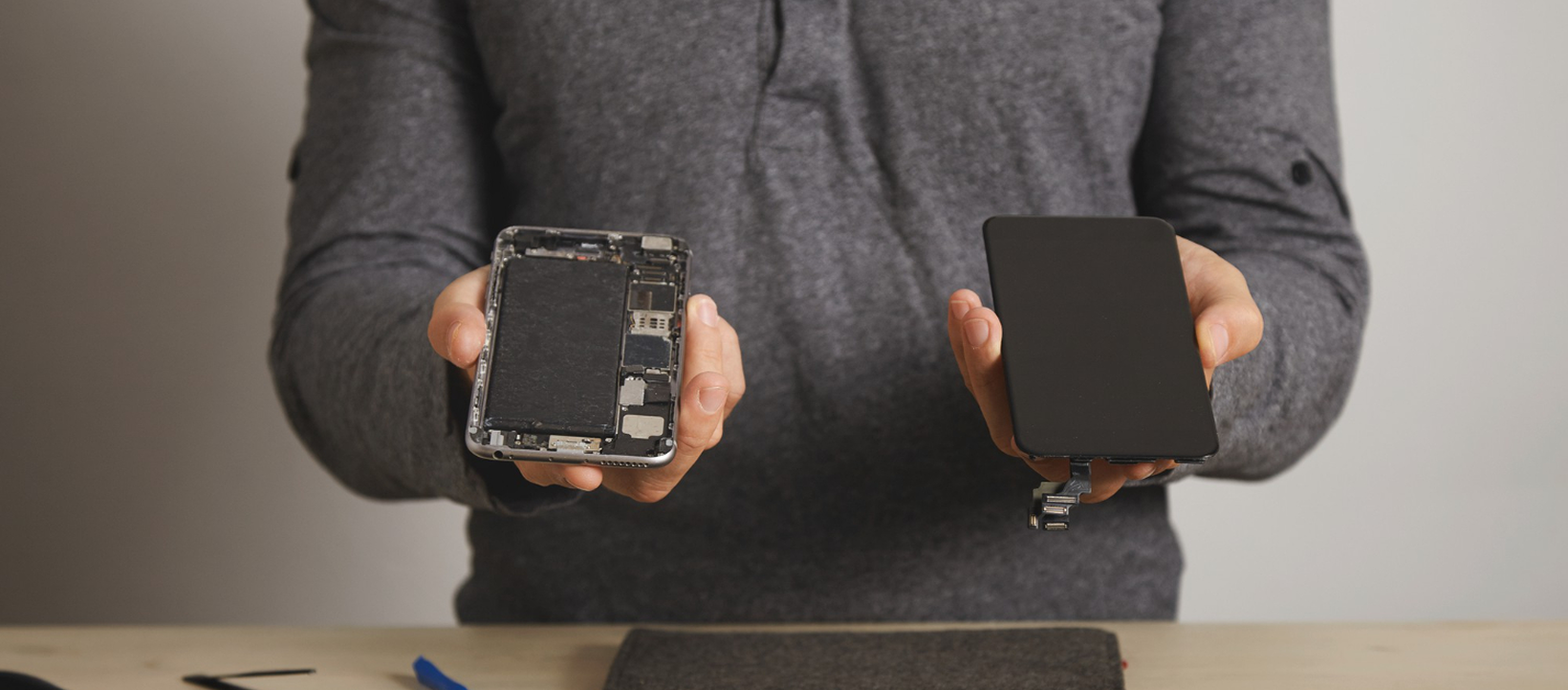
Previous repairs are not automatically a problem. The quality of those repairs matters far more than whether repairs were carried out at all.
Apple devices repaired with genuine components generally hold better reliability than those repaired with poor-quality parts. The difficulty is that the difference is not always visible on the surface.
| Inspection Area | What to Look For | Why It Matters |
|---|---|---|
| Display | True Tone working correctly | Indicates display programming was completed properly |
| Face ID | Unlocks consistently | Face ID failures quite often follow poor screen repairs |
| Cameras | Focuses quickly and clearly | Blurry images may point to previous impact damage |
| Speakers | Clear sound without distortion | Water exposure commonly affects speaker quality |
| Charging Port | Cable fits firmly without play | Loose ports may need soldering work later |
| Buttons | Consistent tactile response | Sticky buttons can indicate liquid damage or worn flex cables |
Apple also provides repair information within Settings > General > About > Parts and Service History on supported models. This section shows whether key components have been replaced and whether those replacements were authorised.
What most experts miss: Some independent repairs are completed to a high standard. Others create faults that only surface months later. A quick visual inspection cannot reveal poor soldering work, damaged connectors, or low-quality replacement parts underneath a tidy exterior. This is one reason a professional inspection before purchase carries real value, not just for peace of mind but for an accurate read on what the device actually contains.
Why Is Battery Health More Important Than Battery Percentage?
Battery percentage tells you how much charge remains today. Battery Health tells you how much life the battery has left overall. That distinction is one of the most misunderstood parts of buying a used iPhone.
Navigate to:
Settings > Battery > Battery Health & Charging
Pay attention to:
- Maximum Capacity.
- Peak Performance Capability.
- Any battery service messages the system is displaying.
As a practical benchmark, batteries below around 80% maximum capacity quite often need replacement sooner rather than later. The phone may still function normally day to day, but shorter runtime becomes noticeable quickly.
What most experts miss: Battery Health percentage is only one part of the picture. Experienced technicians also assess charging speed, thermal behaviour, and battery voltage stability during testing because these factors quite often reveal problems before the Battery Health figure begins to drop. A battery can still report 85% capacity while showing inconsistent charging speeds, overheating under moderate use, or rapid percentage drops that the software is not yet reflecting accurately.
If battery replacement becomes necessary after purchase, choosing Apple Products Repairs using quality components maintains both device performance and long-term safety.
Can You Verify If the iPhone Is Stolen, Locked or Still Under Warranty?
Yes. Before buying any used iPhone, confirm it is legally usable, free from Activation Lock, and eligible for normal activation. A perfectly working device becomes useless if ownership issues exist, and those issues are not always disclosed upfront.
Before completing the purchase:
- Confirm the phone has been fully erased and is not signed into an Apple ID.
- Check that Activation Lock is disabled during setup, not promised to be sorted afterwards.
- Verify the serial number matches what is shown in Settings > General > About.
- Compare the serial number with the SIM tray where applicable and the original box if available.
- Confirm the IMEI has not been altered or reported.
If the seller hesitates to reset the phone in front of you or asks you to trust them after the sale, treat that as a warning sign and walk away.
Checking remaining warranty coverage is also worth doing. Even a few months of warranty left confirms the device’s purchase timeline and may indicate whether it has received any authorised service during that period.
What most experts miss: A matching serial number does not guarantee the device is legitimate. Experienced repair technicians compare internal device information, repair history, and component consistency because some counterfeit devices are programmed to display genuine serial numbers while containing non-Apple hardware underneath. When buyers later bring these devices in for Phone Repairs in Melbourne, technicians quite often find problems that a more thorough pre-purchase inspection would have caught.
Is Buying from a Private Seller Riskier Than Buying from a Business?
Buying from a private seller is not necessarily risky, but it comes with fewer protections than buying from an established business.
Private sellers may not know the full history of the device, particularly if they purchased it themselves. Businesses specialising in used devices generally inspect, test, and clean phones before resale and can document what was found.
| Feature | Buying From a Private Seller | Buying From a Business |
|---|---|---|
| Purchase price | Usually lower | Generally higher |
| Consumer protection | Limited | More formal |
| Repair history | Unknown | Often documented |
| Return process | No formal process | Usually available |
| After-sales support | Relies on trust | Generally structured |
| Pre-sale testing | Not guaranteed | Quite often completed |
Price alone should never determine the decision. An unusually cheap iPhone quite often reflects hidden issues rather than a genuine bargain. Battery degradation, previous liquid exposure, poor-quality repairs, and finance complications are the real reasons most heavily discounted devices are priced the way they are.
From years of inspecting used Apple devices, one pattern appears consistently. Buyers rarely regret paying slightly more for a properly tested phone. Many regret buying the cheapest listing they could find. Taking a few extra minutes to verify the device prevents weeks of inconvenience and repair costs that easily exceed whatever was saved at purchase.
Conclusion
Buying a used iPhone is a smart move when you know what to check before committing. Looking past cosmetic condition, confirming battery health, verifying Activation Lock has been removed, and checking repair history all reduce the chance of expensive surprises after the sale.
With more than 30 years of experience repairing Apple devices, AMT Electronics has seen firsthand how overlooked issues at purchase become costly problems later. If you are considering iPhone Repairs in Melbourne or want an experienced team to inspect a used iPhone before you buy, our team is always happy to help you make a more informed decision. Contact us for practical advice, honest assessments, and reliable repair solutions.
FAQs
Can I tell if an iPhone has been exposed to water before buying it?
Not always from the outside, but there are signs worth checking. Fogged camera lenses, distorted speaker output, corrosion around the charging port, and inconsistent Face ID performance can all point to moisture exposure. A professional inspection gives a more accurate picture than a visual check alone.
Is it safe to buy a refurbished iPhone instead of a used one?
Refurbished and used are not the same thing. A refurbished iPhone has been tested, repaired where needed, and checked before resale. A standard used phone may not have been inspected at all. Always ask what testing was done and what was replaced before making a decision.
Should I avoid iPhones with replaced batteries?
Not necessarily. A professionally replaced battery using quality components can restore strong performance. Problems arise when poor-quality batteries or incorrect installation methods have been used. Asking where and when the battery was replaced helps assess whether the work was done properly.
Why do some used iPhones lose value much faster than others?
Condition is only one factor. Battery health, repair history, original components, storage capacity, remaining warranty, and overall demand all influence what a device is worth. Buyers quite often pay more for devices with documented service history and confirmed genuine parts, and that premium is usually justified.