


Know your Apple warranty status before you spend a cent on repairs
Enter your serial number, see exactly what's covered, and get a straight answer on next steps — then bring it to Melbourne's trusted Apple repair specialists for whatever comes next.
Find your serial number
On iPhone or iPad: Settings > General > About. On MacBook: Apple menu > About This Mac. It's also on the box or etched on the device.
Run the official check
Enter it on Apple's warranty page to see coverage status, AppleCare+ enrolment, and how much time (if any) is left.
Bring the result to us
Covered or not, our Apple-certified team in Melbourne CBD will walk you through the most cost-effective repair path.
A two-minute check that can save you hundreds
Apple devices are a serious investment, and knowing exactly where you stand on warranty coverage is the first real decision point in any repair. Whether it's an iPhone that's taken a knock or a MacBook that's playing up, checking your status first means you're never guessing.
AMT Electronics Pty Ltd is a trusted iPhone repairs shop in Melbourne, and we help customers navigate warranty checks every day — then step in with expert repair services the moment cover runs out. If you're searching for reliable computer repairs in Melbourne CBD, our team is who hundreds of locals already call.
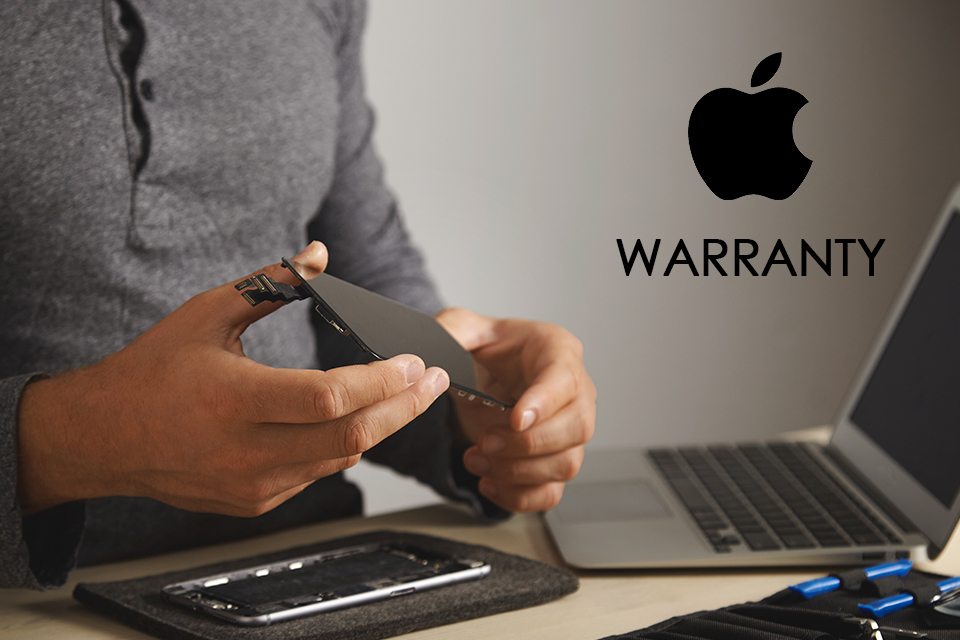
Expert Apple repair services, done right the first time
No matter what your warranty check turns up, our Apple-certified technicians handle the repair — fast, transparent, and backed by genuine parts.
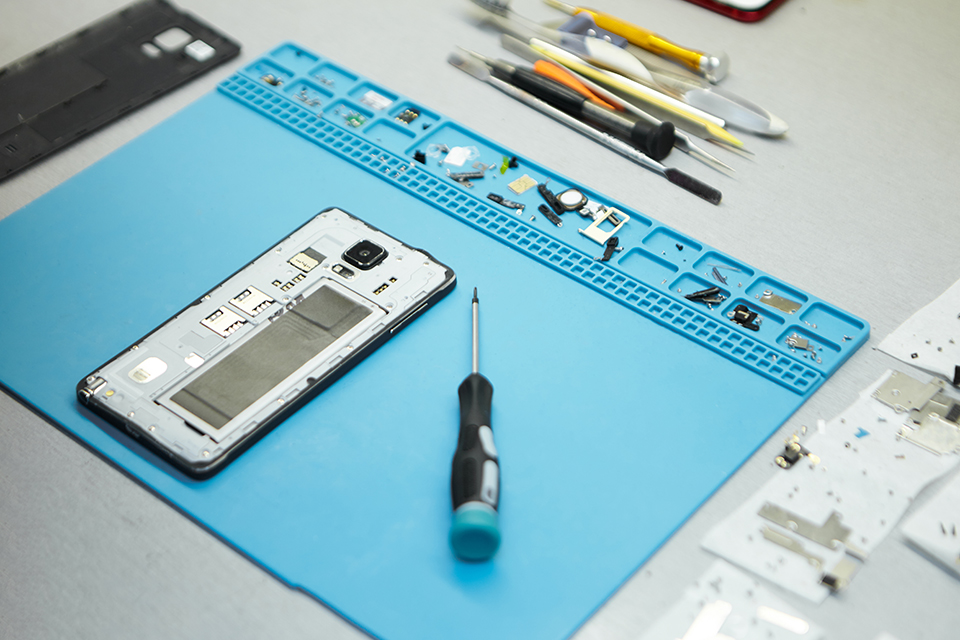
Screens, batteries & components
Professional screen repairs, component fixes, and battery replacements — all with faster turnaround times than you'd expect.

Diagnostics, repair & optimisation
A complete range of services covering diagnostics, repair, replacement, and performance optimisation — screens, keyboards and more.
The CBD's go-to for Apple device repair
When Melbourne searches for reliable electronic repair, AMT Electronics is who they keep coming back to.
Faster turnaround
Urgent repairs handled quickly without cutting corners.
Transparent quotes
You'll know the cost before we start — no surprises.
Authorised parts
Genuine components sourced through authorised channels.
Certified technicians
Apple-certified specialists for every device that comes in.
Convenient CBD location
Easy to reach, easy to trust — right in Melbourne's centre.
Warranty expired, or repair not covered?
Head to AMT Electronics for competitively priced, professional repair services on every Apple device.
Apple warranty & repair FAQs
The questions Melbourne customers ask us most, in plain language.
How can I check the warranty status of my Apple device?
Where do I find my Apple device's serial number?
- iPhone — Settings > General > About
- iPad — Settings > General > About
- MacBook — Apple menu > About This Mac
- On the original packaging of the device
- Etched physically on the device itself
What does the Apple Limited Warranty cover?
Is AppleCare+ the same as the standard Apple warranty?
Can I check AppleCare+ status online?
Can I transfer Apple warranty to a new owner if I sell the device?
Does Apple offer international warranty coverage?
What should I do if my Apple warranty has expired?
Do refurbished Apple products have warranty coverage?
Can I extend my Apple warranty after purchase?
Free 2-minute warranty check before you book a repair.