


Your phone can look perfectly fine while everyday care habits slowly cause battery wear, port damage, screen coating damage or even internal faults.
Common mistakes include:
- Charging a hot phone and continuing to use it heavily.
- Cleaning ports with sharp objects.
- Using household cleaners or too much liquid.
- Drying a wet phone with heat.
- Attempting repairs without understanding what sits underneath the component.
At AMT Electronics, with nearly three decades of hands-on experience, we see why small care mistakes can turn into bigger issues leading to phone repair. This blog looks at the DIY phone habits worth avoiding, what to do instead and when professional assessment makes more sense.
Focus: Revealing typical DIY phone care practices that lead to avoidable damage.
Key Issues: battery heat, liquid exposure, charging ports, cleaning methods and DIY repairs.
Practical Approach: Follow manufacturer approved cleaning and charging practices rather than relying on DIY Fixes.
Expert Advice: AMT Electronics recommends diagnosing the cause of a fault before attempting a repair that could cause more damage.
Result: Improved device care, fewer avoidable faults and more informed decisions about phone repairs in Melbourne.
Are You Charging Your Phone in a Way That Shortens Battery Life?
Heat is one of the biggest factors worth watching during charging. Lithium ion batteries naturally warm while charging, and excessive heat can accelerate chemical ageing.
Apple advises avoiding use or charging in ambient temperatures above 35°C because high temperatures can permanently reduce battery lifespan.
That matters in Australia, particularly when a phone sits in a hot car, direct sunlight or an enclosed space while connected to power.
Protect Your Phone From Avoidable Damage
Better Charging Habits
| Habit to Avoid | Better Approach |
|---|---|
| Charging in direct sunlight | Charge in a cooler, ventilated location. |
| Gaming heavily while charging if the device becomes hot | Give the phone time to cool down. |
| Using damaged charging cables | Replace damaged cables. |
| Treating 100% as the only useful charging target | Use your device’s battery optimisation features. |
| Ignoring repeated overheating | Have the device assessed. |
Modern phones already manage charging electronically. Apple, for example, uses Optimised Battery Charging to reduce the amount of time an iPhone remains fully charged.
What most experts miss: the issue is often less about reaching 100% and more about the combination of heat, charging behaviour and the battery’s age. A phone that becomes unusually hot during ordinary charging deserves attention.
Can Cleaning Your Phone Actually Damage It?
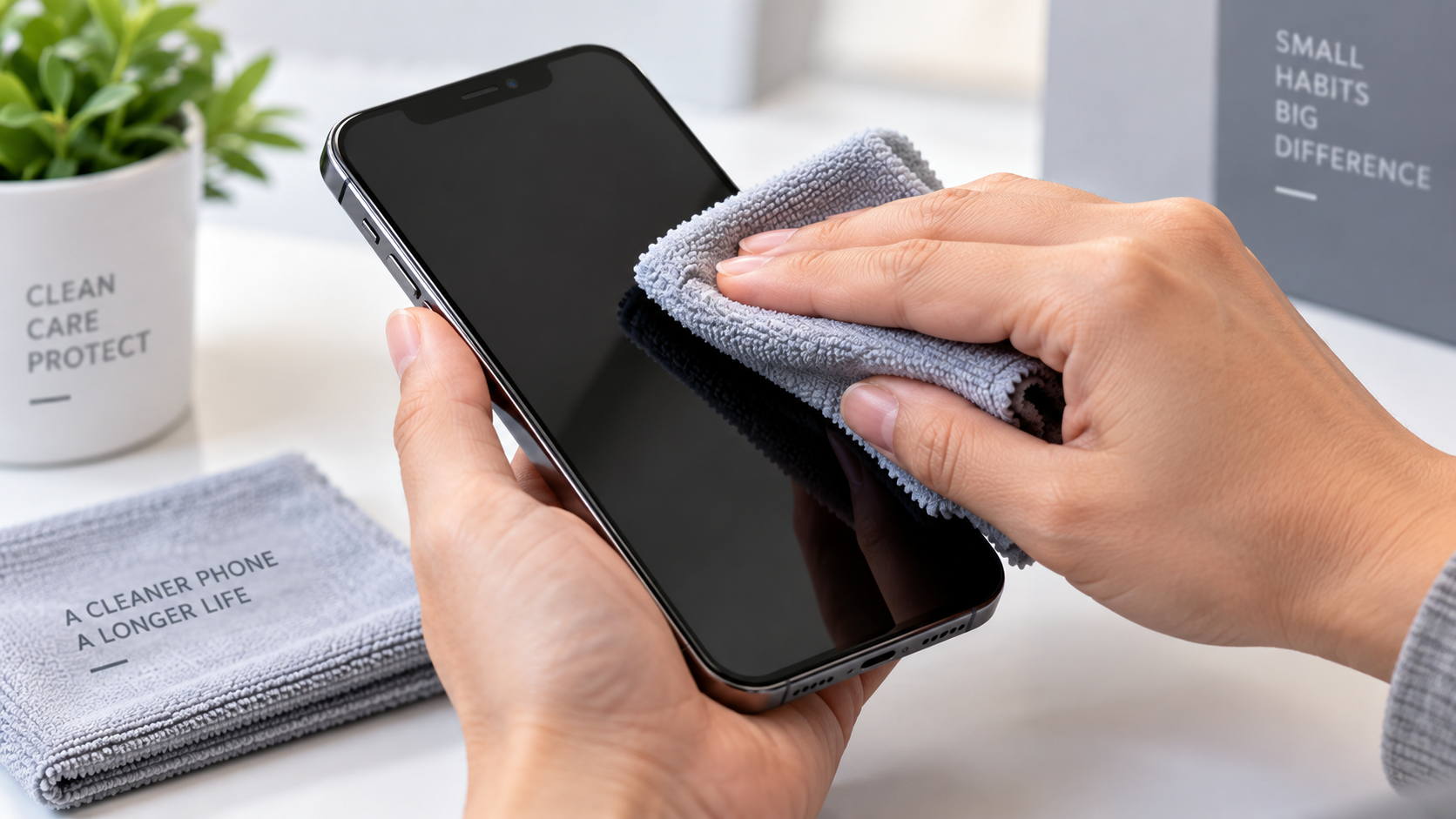
Yes. Aggressive cleaning can damage finishes, push moisture into openings or wear protective coatings.
Apple recommends a soft, lint free cloth and warns against abrasive materials, aerosol sprays, bleach and getting moisture into openings. It permits suitable disinfectant wipes on hard, non porous surfaces, including 70 per cent isopropyl alcohol wipes.
Samsung gives similar advice for Galaxy devices: power down first, use a lint free microfibre cloth and avoid spraying liquids directly onto the phone. Samsung also advises against compressed air.
The Cleaning Mistakes Worth Stopping
- Spraying cleaner directly onto the screen:
Liquid can travel towards speakers, microphones, buttons and charging openings. - Using paper towel or rough fabric:
Repeated abrasion can affect delicate surface finishes. - Scrubbing aggressively:
More pressure does not necessarily mean better cleaning. - Using household chemicals:
Bleach, solvents and unsuitable cleaning products can damage materials. - Using compressed air:
Manufacturer guidance warns against this method for phone cleaning.
A simple microfibre cloth is often the safer starting point.
Is Cleaning the Charging Port With a Pin Really a Good Idea?
Usually not. The charging port is a small, tightly packed connection point. Shoving metal objects in there can damage contacts or components . More important is the question whether the port contains debris or moisture.
If moisture is detected, repeatedly plugging in the charger can increase the risk of corrosion or damage.
Samsung advises waiting until the port is completely dry before charging, while Google specifically tells Pixel users not to put objects into a USB C port when dealing with liquid or debris warnings.
If Your Phone Shows a Moisture Warning
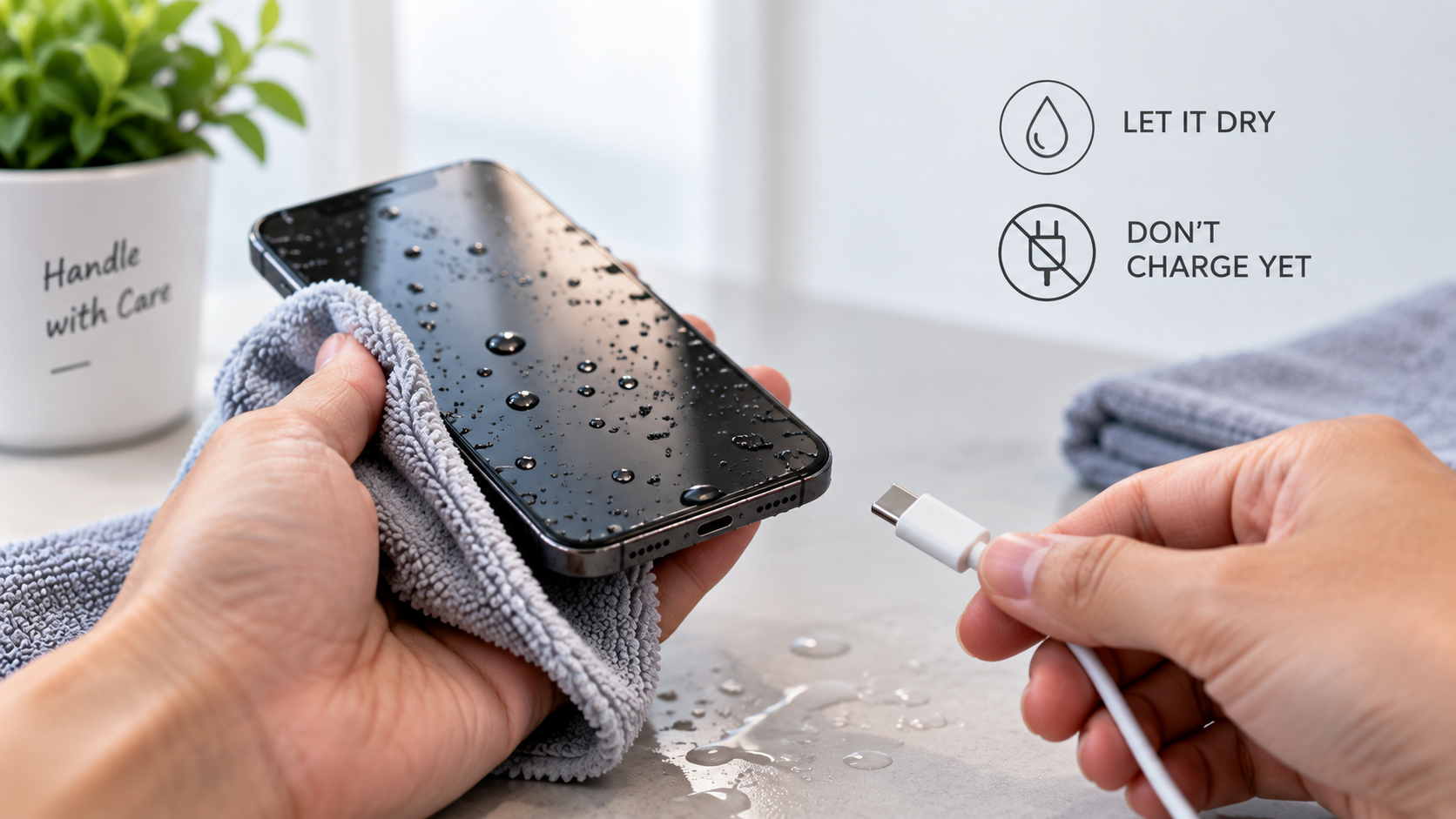
- Disconnect the charging cable.
- Turn the phone off if appropriate.
- Allow the port to dry naturally.
- Do not force a cable into the opening.
- Seek assessment if the warning continues or the port appears damaged.
What most experts miss: a port that repeatedly feels loose, charges intermittently or only works when the cable is held at a certain angle may have a physical connection problem. Repeatedly scraping it can turn a cleanable issue into a component repair.
Does Putting a Wet Phone in Rice Fix Water Damage?
Rice is not a reliable repair method. More importantly, trying to speed up drying with heat can cause further damage.
Apple advises disconnecting cables after liquid exposure and allowing the device to dry before charging. Samsung similarly warns against hair dryers, external heat and other unsuitable drying methods.
Water resistance also does not mean permanent immunity from liquid damage. Samsung states that water resistance can weaken through wear and tear.
What To Do Instead
- Remove the phone from the liquid.
- Disconnect accessories and power.
- Wipe the exterior with a soft cloth.
- Keep the device away from heat.
- Do not charge it while moisture remains.
- Arrange professional assessment if liquid may have entered the device.
The hidden problem is corrosion. A phone can seem to work after it becomes wet with moisture or contaminants still inside. Samsung in particular notes that internal corrosion or damage can take place even if a device appears to be working fine.
Can DIY Screen and Battery Repairs Make Things Worse?
Yes. Opening a modern phone involves more risk than removing a few screws. Screens, batteries, flex cables, cameras and other components can sit extremely close together, while strong adhesive may hold the assembly in place.
Lithium ion batteries require particular care. Phone repair experts warn against puncturing or excessively bending phone batteries because damaged cells can become a serious safety hazard.
Samsung devices can also use strong adhesive around batteries and displays, making careless prying risky.
Think Twice Before These DIY Fixes
- Pulling out a swollen battery: Such kind of battery is a safety hazard.
- Metal tool around the battery: The slip can puncture the cell or damage internal electronics.
- Forcing a glued display: Applying too much force can damage the display or surrounding components.
- Reusing damaged adhesive: Reuse of damaged adhesive. The device must be assembled properly.
- Skipping a backup: If possible, backup important information before service. Repairs can entail unanticipated data risks.
You can get cheap iPhone repairs, but these can be useful when they come from a reputable provider with suitable parts and repair practices. The real comparison of cost is the danger of turning a simple repair into a major fault.
For customers comparing Apple iPhone repair options, the important question is not simply who charges the least. Ask what is being replaced, what testing follows the repair and whether the provider explains any limitations.
What Should You Do Instead of DIY Fixes?
Good phone care is mostly about preventing unnecessary stress on the device and recognising faults early.
| If You Notice… | Avoid… | Consider… |
|---|---|---|
| Phone becomes unusually hot | Continuing demanding use | Letting it cool and checking the cause |
| Moisture warning | Plugging the charger back in repeatedly | Allowing the port to dry |
| Loose charging connection | Scraping aggressively | Inspection of the port |
| Swollen battery | Pressing or opening it | Professional battery service |
| Screen lifting | Pushing it back down | Prompt assessment |
| Random shutdowns | Repeated resets without diagnosis | Battery or hardware testing |
| Liquid exposure | Hair dryer or direct heat | Careful drying and assessment |
If the device needs service, choose a repair provider that can explain the fault clearly before work begins. The same principle applies whether you need phone repairs in Melbourne, a tablet repair service or help with another electronic device.
For people buying a replacement rather than repairing an older handset, checking condition, battery health and service history can be more useful than focusing on appearance alone. This is particularly relevant when considering pre-owned Samsung mobiles.
When Should You Stop DIY Phone Care and Get Professional Help?
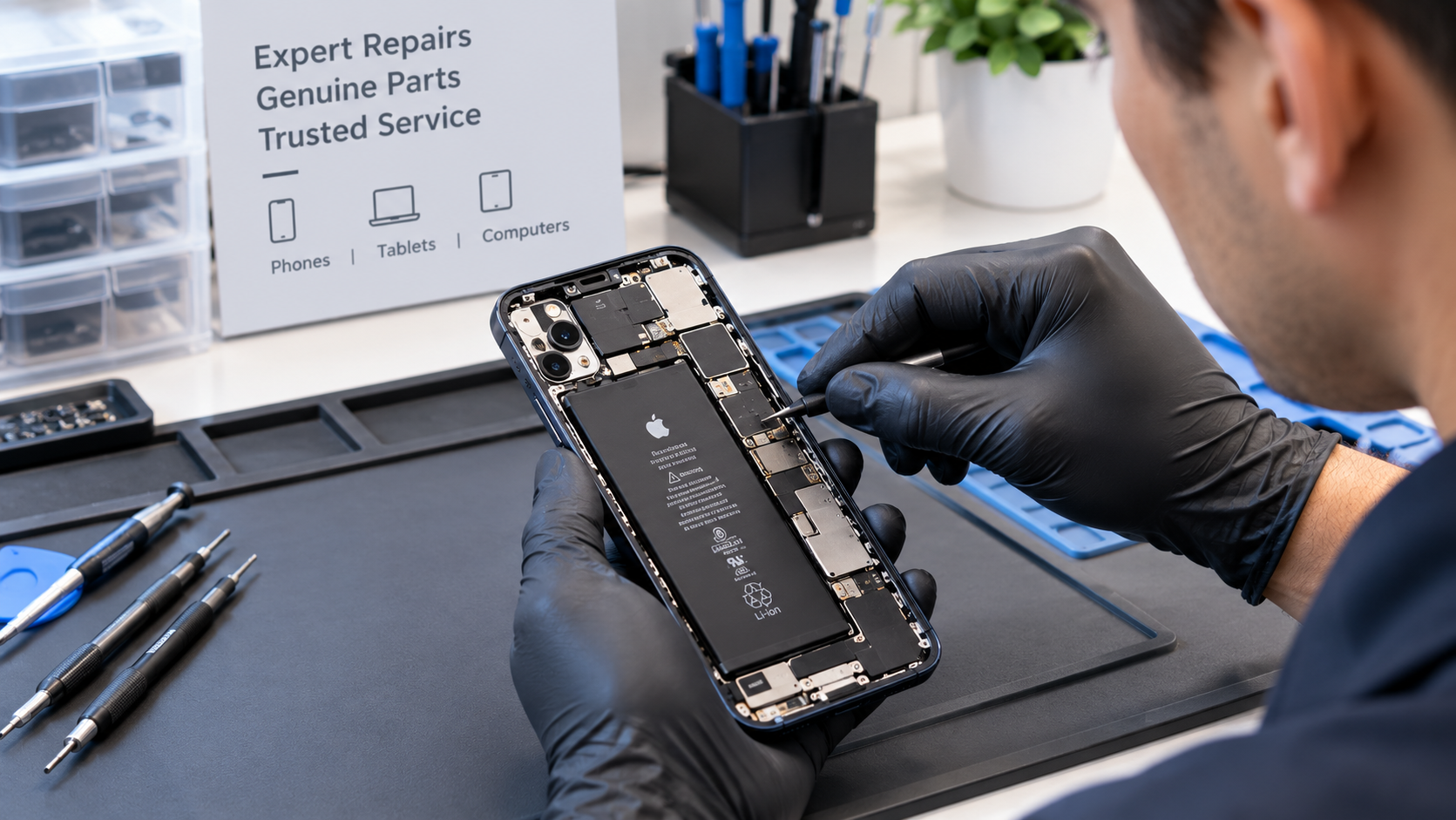
Stop experimenting when the problem involves swelling, liquid inside the device, repeated overheating, charging faults, unexpected shutdowns or physical damage that affects internal components.
A simple cleaning task is different from opening a sealed phone. Manufacturer guidance and repair safety resources make the same broader point: know what you are handling before applying force, heat, chemicals or tools.
AMT Electronics has worked with phones, tablets, computers and other electronics for nearly three decades. That experience matters when a fault needs proper inspection rather than another DIY attempt.
Choose Professional Phone Repair With Confidence
Conclusion
Many phone problems start with a well meaning shortcut: aggressive cleaning, forcing a charging port, using heat after liquid exposure or attempting a battery repair without the right knowledge. Good DIY phone care should reduce risk, not create new faults.
AMT Electronics brings nearly 30 years of electronics repair in Melbourne including phones, tablets, computers and related devices. If your phone has developed a charging, battery, screen or liquid related problem, professional assessment can help identify the actual cause before further damage occurs. Contact AMT Electronics when you need practical repair support.
FAQs
Can I use hand sanitiser to clean my phone?
It is better to follow the manufacturer’s cleaning instructions for your specific device. Hand sanitiser can contain ingredients that are unsuitable for some surfaces. Use an approved disinfectant wipe where the manufacturer permits it, and keep all liquid away from openings.
Why is my phone charging only when I move the cable?
This can indicate debris, a worn cable, damaged contacts or a problem with the charging port. Avoid repeatedly bending or forcing the cable. Try a known good compatible cable first. If the behaviour continues, have the port inspected.
Is a phone that feels hot always damaged?
No. Phones can get warm when charging, gaming, navigating or doing other demanding tasks. Persistent or unusual heat, especially during light use or charging, warrants attention. Factors can include temperature, battery age, software activity and charging accessories .
Should I repair an older phone or replace it?
Think about the repair cost, battery condition, device performance, software support, physical condition and your expected future usage. When the rest of the device is still reliable, a relatively minor repair may make sense. It may be more practical to replace a number of ageing components with a major fault.