


A phone can slow down, lose battery capacity, develop charging problems or suffer physical damage long before you actually need a replacement.
Small maintenance habits can reduce avoidable wear and help you get more useful years from your device.
- Heat can accelerate battery ageing.
- Poor charging habits can add unnecessary battery stress.
- Dust, moisture and impact can affect ports, screens and internal components.
- Ignoring early faults can turn a small repair into a larger one.
With decades of hands-on phone repair experience, AMT Electronics helps Melbourne customers with phones, tablets and other electronics. This guide covers five practical habits that can help extend your phone’s working life, from smarter charging to timely repairs.
To extend the life of a phone, manage battery heat, use charging features correctly, protect the device from impact and moisture, keep ports clean and install software updates. Regular battery health checks can also show you when it makes more sense to replace the battery than the entire phone. AMT Electronics provides services to customers seeking phone repairs in Melbourne and handy device maintenance.
1. How Should You Charge Your Phone To Protect Battery Health?
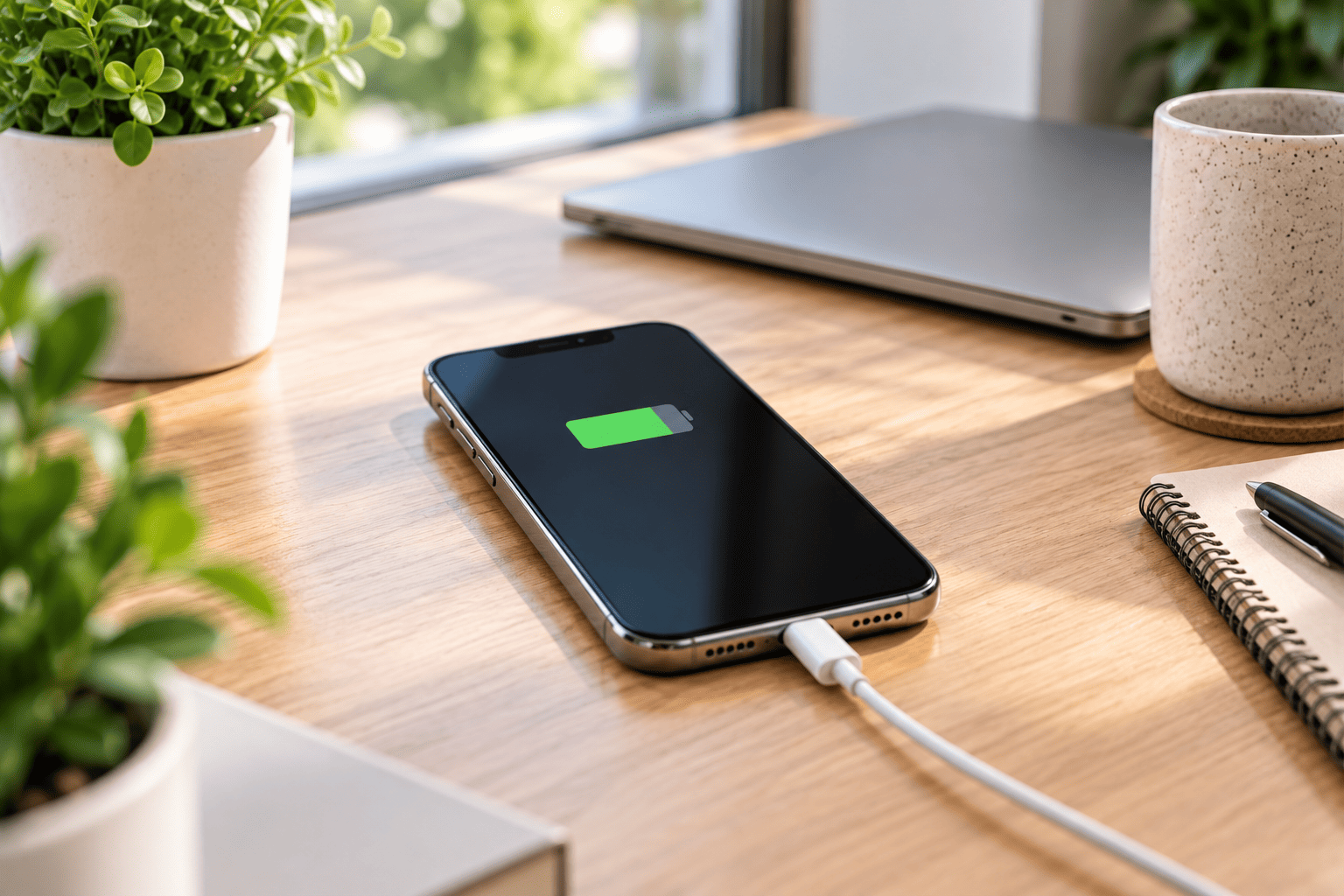
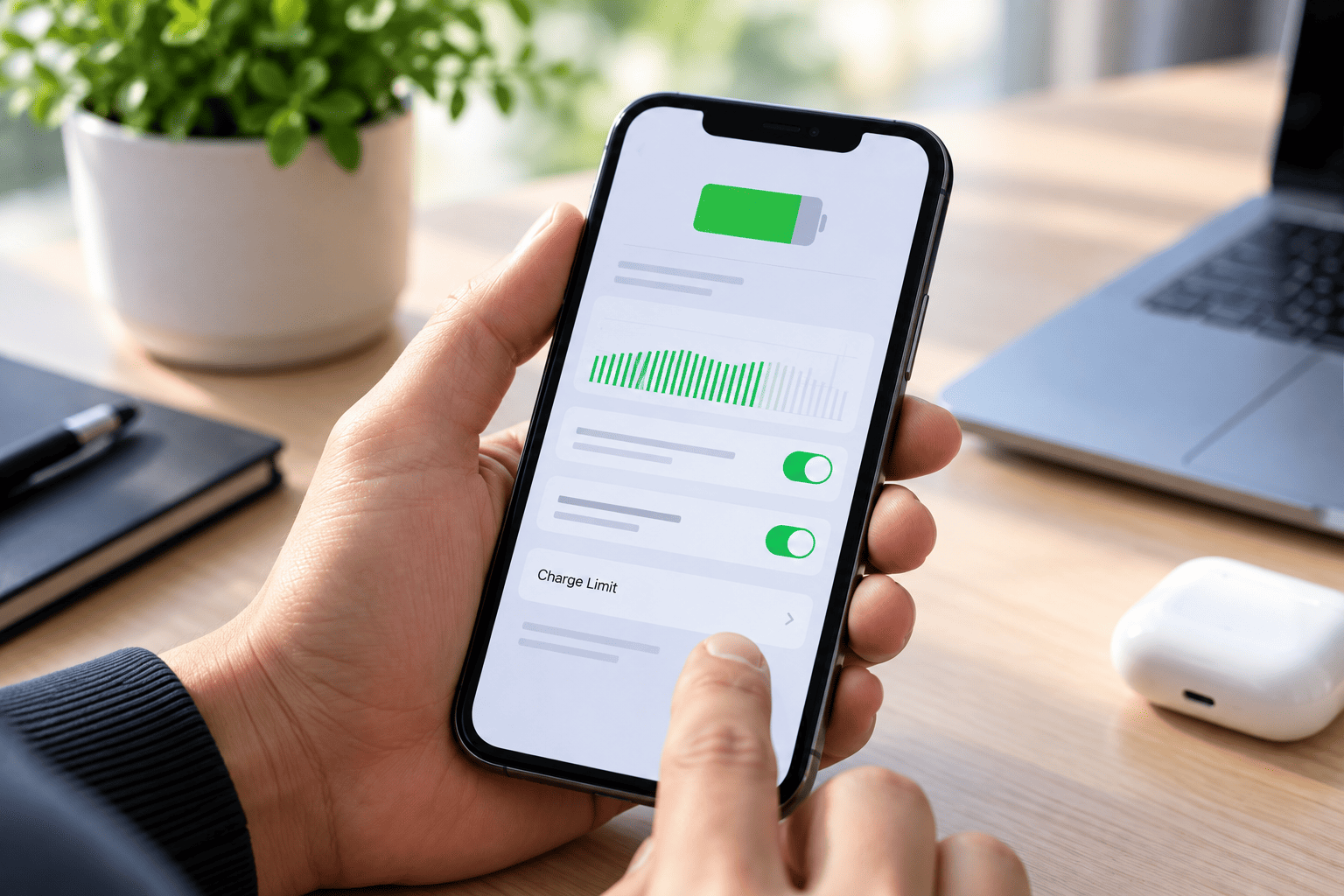
The most useful charging habit is to reduce unnecessary heat and make use of your phone’s built in charging controls. Modern lithium ion batteries naturally lose capacity over time, but temperature and charging patterns influence how quickly that ageing occurs.For iPhones, Apple provides Optimised Battery Charging and, on supported models, Charge Limit settings. These features reduce the amount of time the battery remains fully charged.
Make these habits part of your routine:
- Use the phone’s built in charging optimisation features where available.
- Avoid charging in direct sunlight or a hot car.
- Do not deliberately run the battery completely flat every day.
- Partial charging is fine. You do not need to wait until the battery reaches zero.
- If the phone becomes unusually hot while charging, move it somewhere cooler.
Apple states that charging and using an iPhone above 35°C can permanently reduce battery lifespan.
A useful practical point is that a phone sitting on charge in a hot environment can experience more stress than one charging in a cool room. In Melbourne summers, avoid leaving a charging phone on a dashboard, near a window or inside a parked vehicle.
Protect Your Phone From Avoidable Damage
2. What Is The Best Way To Protect A Phone From Heat, Drops And Moisture?
Physical protection matters because a phone can remain electronically functional while individual components gradually become more vulnerable to damage.
A good case can reduce the impact of everyday drops, while a suitable screen protector can help protect the display from scratches and minor impacts. However, accessories cannot make a phone immune to damage.
Pay particular attention to moisture:
Water resistance is not permanent. Apple notes that resistance can decrease through normal wear, and liquid damage is not covered by its standard warranty.
Avoid:
- Charging a phone while its connector is wet.
- Taking the phone into a sauna, pool or shower.
- Leaving it exposed to rain for extended periods.
- Applying too much force following a drop or impact.
If your phone gets wet, unplug cables and dry it thoroughly before charging. Apple advises waiting at least five hours before charging or plugging in a cable after liquid exposure.
3. How Often Should You Clean Your Phone And Charging Port?
Make cleaning your phone a regular habit, especially if it’s in pockets, bags, vehicles or work environments. Dust and debris can collect around speakers, buttons and charge connections.
Use a soft, lint free cloth for the exterior. Apple recommends avoiding cleaning products, abrasive materials and compressed air when cleaning an iPhone.
Do not treat a charging problem as a battery problem immediately:
A phone that charges intermittently may have an issue with:
- The charging cable.
- The power adapter.
- Debris around the connector.
- The charging port itself.
- The battery.
- Internal charging circuitry.
This is an important repair consideration. Replacing a battery before checking the charging path can mean paying for the wrong repair.
For customers visiting an iPhone repairs shop, a proper diagnosis should come before replacing a component. The symptom may point to one part of the system while the actual fault sits elsewhere.
4. Should You Install Phone Updates And Monitor Battery Health?
Yes. Keep your phone’s operating system fairly up to date and be mindful of any changes in battery behaviour, charging performance and device temperature.
Updates to software may include enhancements to security, bug fixes and modifications to device management. After a major update background tasks may still be running and temporary battery drain can occur, so a short period of increased activity doesn’t automatically mean the battery has failed.
Check battery health when performance changes:
If the phone suddenly needs charging much more frequently, shuts down unexpectedly or displays a battery service warning, check its battery health information.
Apple provides battery health information through settings on supported iPhone models. If the device indicates that the battery requires service, replacement can restore capacity and performance without replacing the entire phone.
What most experts miss is the difference between battery life and battery lifespan. Battery life describes how long the phone runs between charges. Battery life is the duration the battery can be used before the capacity and performance of the battery declines.
Changing settings can improve battery life on a daily basis. Good charging and temperature habits help minimise long term battery wear.
5. When Should You Repair A Phone Instead Of Replacing It?
If the device is still meeting your needs and the fault is in a replaceable or serviceable part then repair makes sense.
Common examples include:
| Problem | What to consider |
|---|---|
| Smaller battery capacity | Replacing the battery can bring back useful daily performance. |
| Cracked screen | A display repair may cost less than replacing the whole phone. |
| Charging problems | Diagnose the cable, port, battery and charging circuitry first. |
| Damaged buttons or speakers | Component repair can extend the phone’s practical life. |
| Liquid exposure | Prompt assessment may help identify internal damage. |
A second practical point is timing. Do not wait until a phone completely fails before assessing a recurring fault. A battery that drains quickly is inconvenient; a phone that randomly shuts down during work, travel or an important call can become a much bigger problem.
For older devices, compare the repair cost with the phone’s condition, software support, storage capacity and replacement price. A repair can make sense when the rest of the device remains reliable.
For customers considering mobile phone accessories, choose products that suit the phone rather than buying purely on appearance or price. A suitable case, charger and screen protector form part of a longer term maintenance approach.
Fix Phone Problems Before They Get Worse
What Maintenance Schedule Should You Follow?
You do not need a complicated maintenance routine. A simple check every few months can catch problems early.
| Check | Suggested habit |
|---|---|
| Battery health | Check when battery life noticeably changes. |
| Charging port | Inspect when charging becomes unreliable. |
| Case and screen protector | Replace when damaged or loose. |
| Software | Install appropriate updates when available. |
| Physical condition | Look for cracks, swelling, loose parts or unusual heat. |
| Storage | Remove unnecessary files when storage becomes consistently low. |
If you regularly replace phones because of battery deterioration, physical damage or charging faults, changing these habits may help you keep your next device useful for longer.
Conclusion
Extending a phone’s useful life usually comes down to consistent maintenance rather than one major change. Keep charging temperatures under control, use battery management features, protect the device from impacts and moisture, keep ports clean, install appropriate updates and investigate faults early.
With decades of repair experience, AMT Electronics provides practical support when maintenance is no longer enough, from battery and screen work to broader device diagnostics. If your phone is showing unusual battery drain, charging problems or physical damage, contact the Melbourne team for an assessment before deciding whether phone repair or replacement makes more sense.
FAQs
Does Keeping A Phone At 100% Damage The Battery?
A phone reaching 100% does not mean the battery will immediately suffer damage. Modern phones manage charging electronically. However, reducing the time a lithium ion battery spends fully charged can help reduce long term wear, which is why features such as Optimised Battery Charging exist on supported iPhones.
Is Wireless Charging Bad For A Phone Battery?
Wireless charging is not inherently harmful when you use a compatible charger and the phone remains within its normal temperature range. Heat is the bigger consideration. If wireless charging causes the phone to become noticeably hot, changing the charging setup or location may reduce thermal stress.
Should I Replace My Phone When Battery Health Drops?
Not necessarily. Battery capacity is only one factor. Consider how often you charge, whether the phone shuts down unexpectedly, its overall physical condition, software support and the cost of battery replacement. A battery service can extend the useful life of a phone that otherwise works well.
Can A Phone Last Longer With Professional Maintenance?
Yes, particularly when a recurring problem receives the correct diagnosis early. Professional assessment can distinguish between battery, charging, display, port and internal faults. This helps avoid replacing parts unnecessarily and can provide a clearer repair versus replacement decision.