


Selling your old phone is a good way to get some of its value back. But if you forget to wipe your personal data, leave an account lock switched on, or don’t mention a fault, the sale can quickly turn into a headache.
- Personal photos, messages and banking details may still be accessible.
- Account locks can stop the next owner from using the device.
- Faults you didn’t disclose can pull down the final selling price.
AMT Electronics is a trusted electronics repair centre in Melbourne and has been advising customers on device repair for years. Keep reading to see how to prepare your phone for sale or trade-in.
Focus: How to get your phone ready for sale or trade-in while protecting your personal information and checking its condition.
Key Considerations: Back up important files, sign out of your accounts, take out the SIM card and complete a factory reset.
Practical Insight: Check that your backup works and note down any existing faults before you hand the device over.
Professional Insight: As a professional electronics repair centre, AMT Electronics recommends checking account access and device condition before you sell or trade in a phone.
Outcome: A safer handover, better preparation and fewer avoidable problems.
What Should You Do Before Erasing Your Phone?
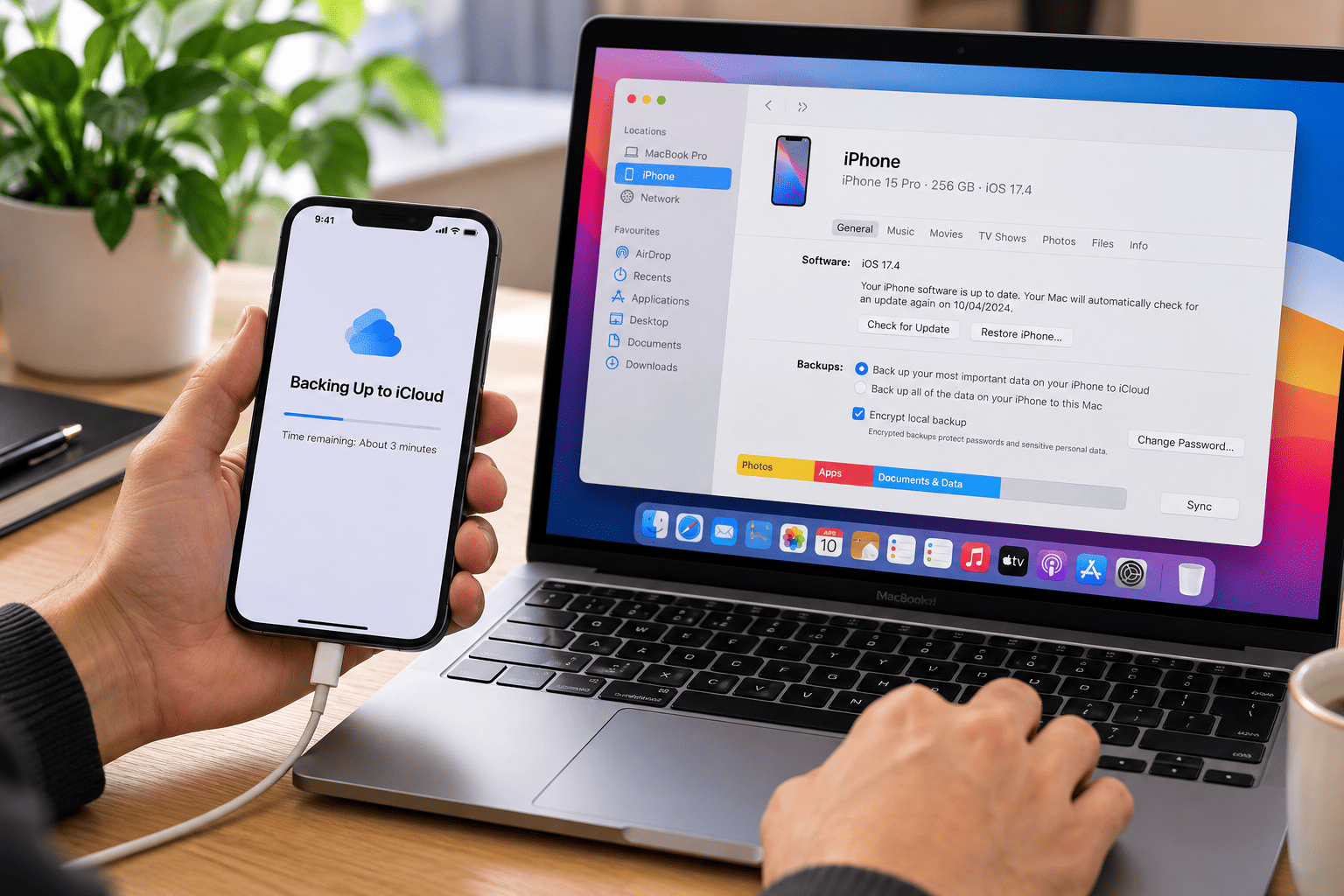
Back up anything important before you reset the phone. A factory reset wipes locally stored data, and if you don’t have a usable backup, getting it back afterwards can be difficult.
Back Up Your Essential Data
On an iPhone, use iCloud or back up to a computer. On Android, use Google backup or the manufacturer’s own backup service.
Check that you’ve saved:
- Photos, videos, contacts and messages.
- Important documents and downloaded files.
- Authenticator access and recovery codes.
- WhatsApp or other messaging app backups where relevant.
Practical tip: Check that your latest backup was successful. Before you reset, check the instructions for some authenticator apps and banking services that require a separate transfer or re-activation.
How Do You Remove Accounts and Reset Your Phone Safely?
Sign out of your accounts, then follow the manufacturer’s reset process. This protects your privacy and stops account locks from getting in the next owner’s way.
Resetting an iPhone
- Open Settings and tap your name.
- Go through your Apple Account settings and sign out, following the prompts.
- Open Settings > General > Transfer or Reset iPhone.
- Select Erase All Content and Settings.
- Follow the on-screen instructions.
If you use an eSIM, read the options carefully and remove it when that suits the transfer. If your iOS version uses different menu names, check Apple’s current instructions.
Resetting an Android Phone
- Back up your information and review who has access to your accounts.
- Remove your Google Account and any manufacturer account, following the device maker’s instructions.
- Check the manufacturer’s instructions for turning off device protection.
- Perform a factory reset through Settings.
Taking your accounts off before the reset can stop Factory Reset Protection from locking out the next owner on supported Android devices.
Important: Don’t hand the phone over until the reset has finished and the initial setup screen appears. And never give a buyer your account password or verification codes.
How Can You Check Your Phone’s Condition Before Selling?
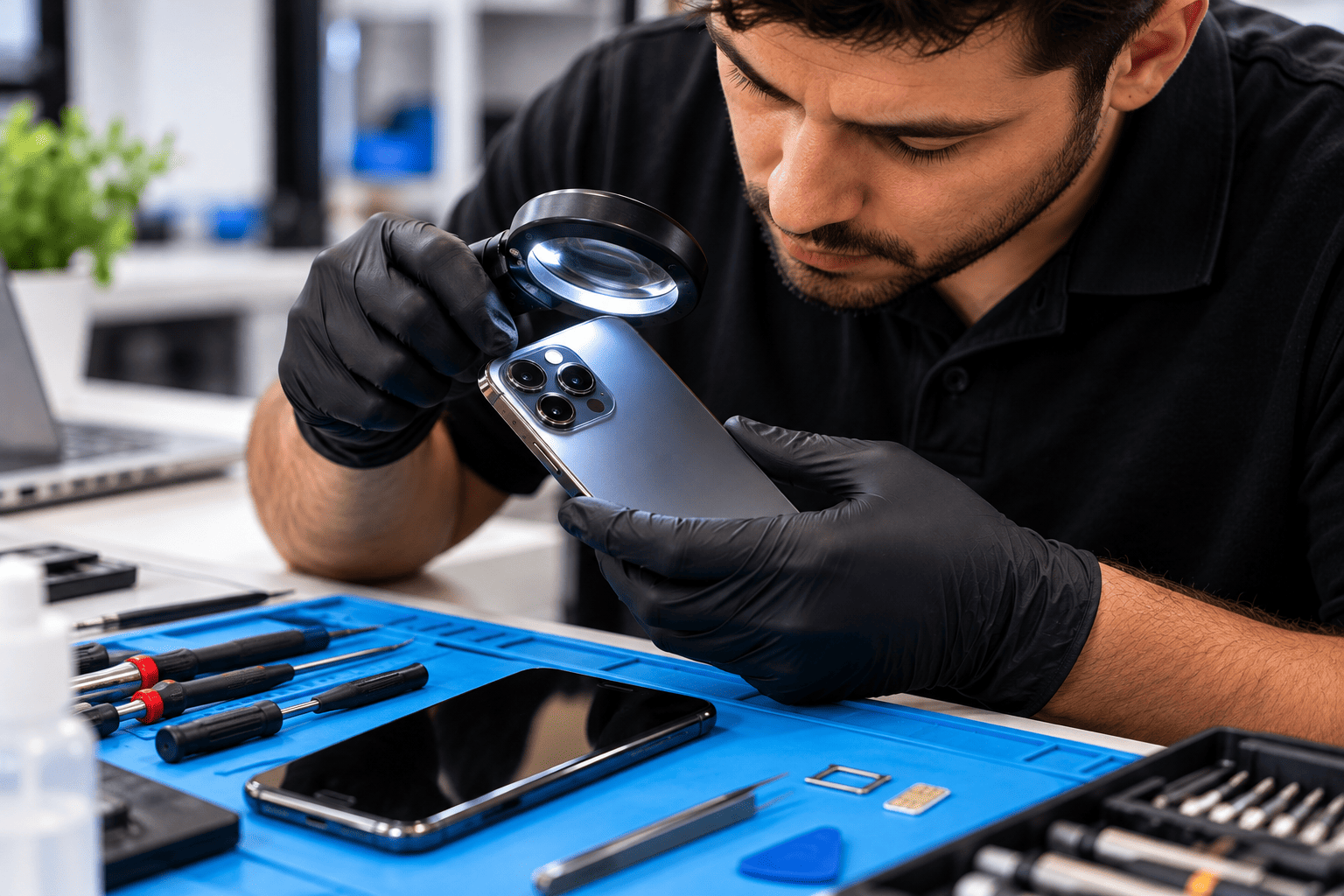
Look over the phone’s physical condition and basic functions before you ask for a price. Buyers and trade-in providers often assess cosmetic damage, battery performance, past repairs and missing components.
| Component | What to Check |
|---|---|
| Screen | Look for cracks, dead pixels, display issues and problems with touch response. |
| Battery | Check battery health, charging performance and any unexpected shutdowns. |
| Cameras | Test focus, photo and video quality, and check the camera lenses for damage. |
| Audio | Test the speakers and microphones, and check call quality. |
| Connectivity | Check Wi-Fi, Bluetooth and mobile network connectivity. |
| Charging | Test the charging port, cable connection and wireless charging, if supported. |
Be upfront about faults. A phone that looks fine on the outside can still have battery, charging or connectivity problems.
Practical insight: Photograph the phone from several angles before you hand it over, and keep a record of any existing damage and repair history. If questions come up about the phone’s condition after the transfer, you’ll have something to point to.
If the phone needs attention, professional iPhone repairs can help pin down the faults, so you can decide whether fixing it or selling it as-is makes more financial sense.
What Should You Remove Before Handing Over Your Phone?
Take out the physical items and get everything included in the sale ready. A few small details that people overlook can hold up a transaction or expose personal information.
Run through this final checklist:
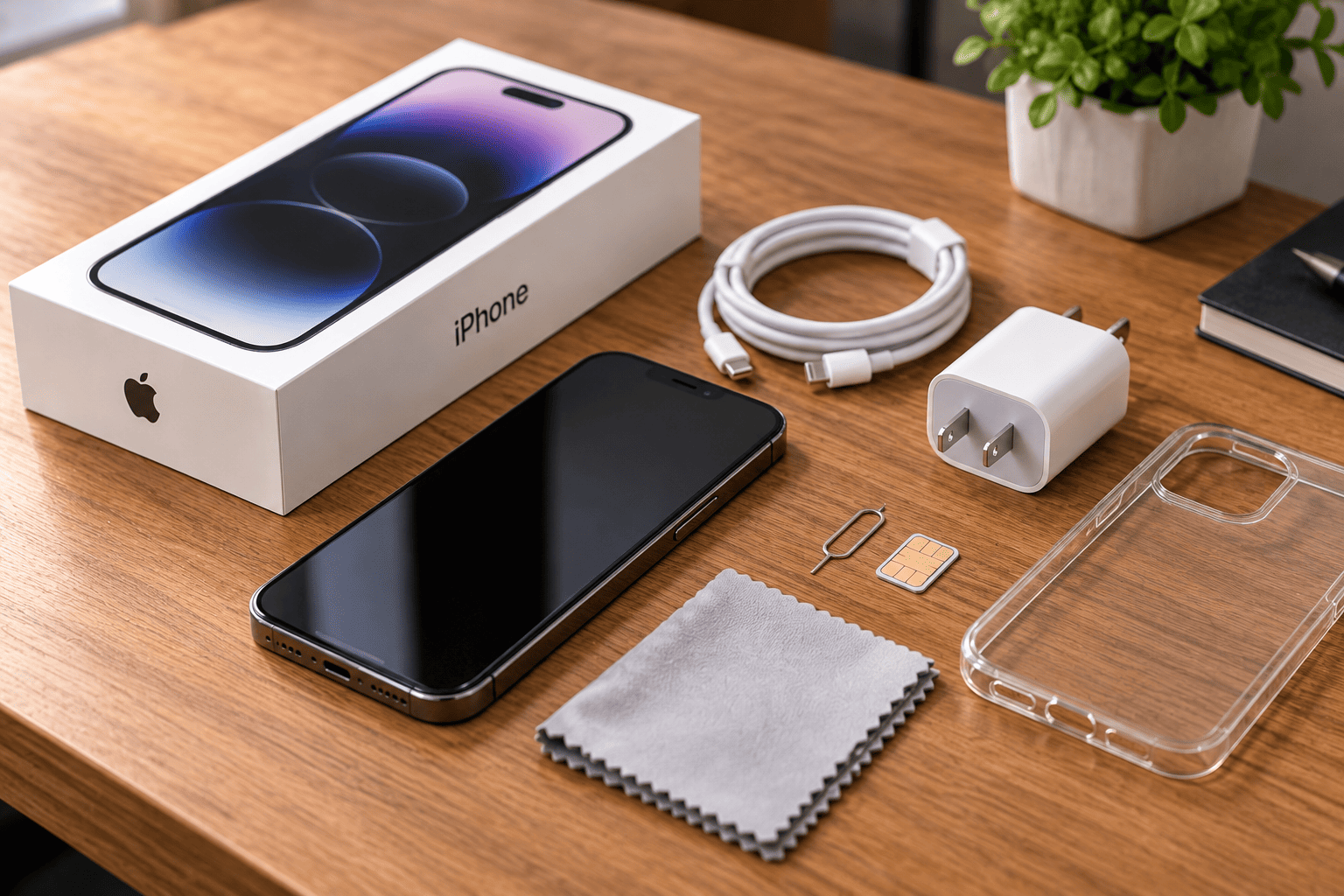
- Remove the physical SIM card and any microSD card.
- Take off your phone case and screen protector if the buyer doesn’t want them.
- Check whether the sale includes a charging cable, box or other accessories.
- Wipe the phone down with a soft cloth.
- Write down the IMEI or serial number for your own records, but don’t publish these details in a public listing.
- Keep proof of purchase and repair records where you have them, with your personal information protected.
- For a trade-in, read the provider’s terms before removing accessories or packaging, as requirements differ.
If you’re selling through an electronic store, confirm how it assesses phones, its payment terms and its data-erasure requirements before you hand the device over.
Should You Repair Your Phone Before Selling It?
Repairing a phone before you sell it makes sense when the likely rise in resale value is bigger than the cost of the repair. Before you spend anything, compare a repair quote with real offers for phones in similar condition.
A minor screen or battery issue, for example, may be worth fixing. Extensive liquid damage or motherboard faults, on the other hand, often make selling the phone as-is the more practical choice.
If you’re comparing phone repairs in Melbourne, ask for a clear assessment and quote before you approve any work. And if you’re buying pre-owned iPhones, check the device’s condition, account status and any purchase documentation that’s available.
Businesses or individuals replacing several devices at once can keep a record of each phone’s condition, repair cost and expected sale price. That makes it easier to see which devices are worth repairing.
Conclusion
Knowing how to prepare your phone for sale or trade-in protects your personal data, cuts down on handover problems and lets you present the device honestly to buyers. Back up your information, remove your accounts, reset the phone, inspect its condition and note any faults before you complete the sale.
AMT Electronics supports Melbourne customers with electronics repairs and practical advice. Get in touch with the team if you need help assessing a faulty phone or deciding whether a repair is worthwhile before you sell it.
FAQs
Can I sell my phone if the screen is broken?
Yes. Some buyers and trade-in providers accept damaged phones, though the offer may be lower. Tell them about the damage and check that the provider takes that particular fault. If the phone holds sensitive information, arrange a safe way to erase the data before it changes hands.
Will a factory reset remove everything from my phone?
A factory reset clears locally stored user data through the device’s normal reset process. It doesn’t delete anything already held in cloud accounts, backups or other devices, so check your backup and account settings separately before you sell.
Should I give the buyer my Apple Account password?
No. Never share your Apple Account password, Google password or verification codes. Remove your accounts through the official device settings before handover. If an account lock is still active, sort it out through the manufacturer’s official process instead of handing over your credentials.
Can I sell a phone that no longer turns on?
Possibly. Some buyers will take a non-working phone for parts or repair, but removing your data can be hard if you can’t get into the device. Ask the buyer about their requirements, and think about getting professional advice if the phone holds sensitive information.