


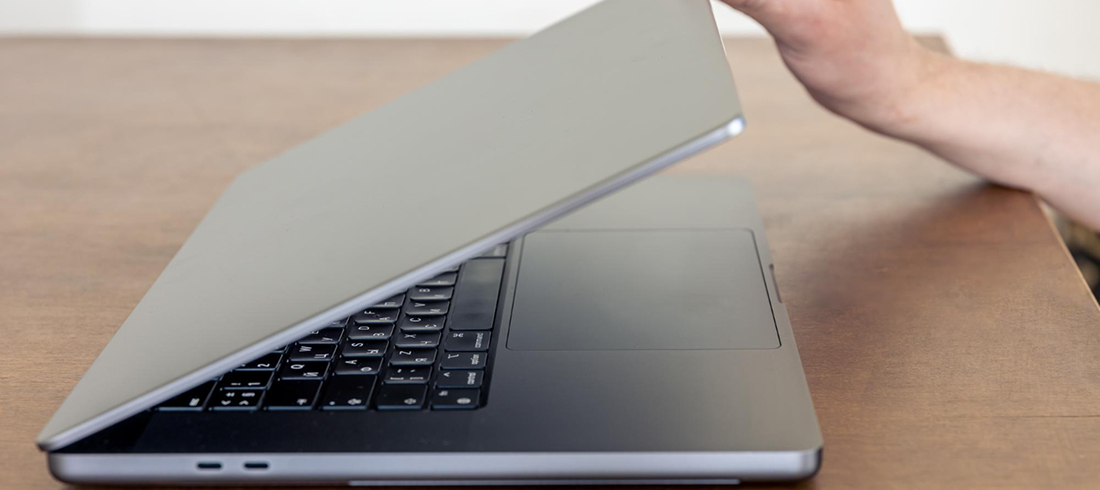
It’s important to act quickly when your phone, laptop, or desktop breaks. Many people panic and still keep using the device, or try quick fixes that make things worse. At AMT Electronics, we have 30 years of experience in handling complex device failures. We deal with electronic repairs in Melbourne on a daily basis and we notice how these errors result in increased repair costs and data loss.
Common things that happen after device damage:
- Continuing to use a cracked or wet device.
- Attempting DIY repairs without tools.
- Charging a water-damaged device.
- Ignoring warranty or professional diagnostics.
In this blog, we cover the most common mistakes people make after device damage.
Avoid using the device, charging it, or trying DIY fixes after it has been damaged. These activities raise the risk of data loss, contribute to internal damage, and raise repair costs. Turn off the power right away, make a backup of your data if you can, and get expert diagnostics. Early evaluation lowers damage and improves repair success.
Top Mistakes People Make After Device Damage
1. Should You Continue Using A Damaged Device?
Many users keep using a cracked screen or partially working laptop. This increases internal stress on components.
Technical risks:
- OLED pressure damage from cracked glass
- Liquid spreading across motherboard circuits
- Battery swelling due to frame pressure
If your device shows major issues, deciding between repair and replacement matters. It is important to understand which option, repairing or replacing, is the right choice.
Stop Device Damage From Getting Worse
2. Is DIY Repair Safe After Device Damage?
Opening devices without professional tools often leads to additional damage.
Common DIY repair problems:
- Torn flex cables.
- Face ID or Touch ID failure.
- Incorrect screw placement damaging logic board.
Professional diagnostics are always safer, especially for contacting professionals expert laptop fix in Melbourne as dealing with internal component layout is complex.
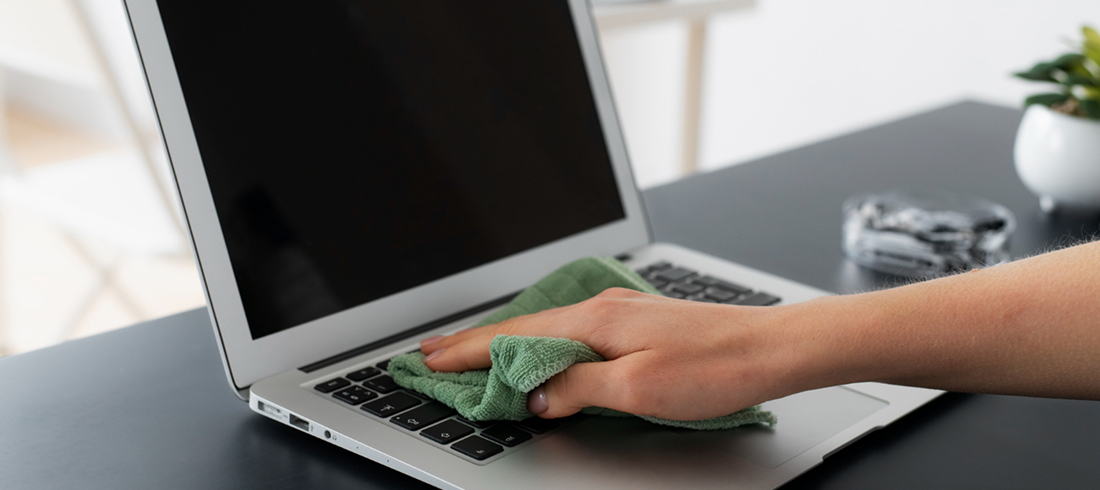
3. Should You Charge A Wet Device?
Charging a liquid-exposed device is one of the most damaging mistakes.
Technical explanation:
- Electricity flows through wet circuits.
- Short circuits damage power IC chips.
- Charging ports corrode rapidly.
If you dropped your phone in water, knowing the right approach to repairing a water-damaged device is important.
4. Does Rice Actually Fix Liquid Damage?
Rice only absorbs surface moisture. Internal corrosion continues.
Professional repair includes:
- Ultrasonic cleaning.
- Board-level inspection.
- Component-level testing.
This is especially critical for Mac repairs where liquid exposure often affects keyboard and trackpad layers. Hence consider professional support for Mac repairs in Melbourne CBD.
5. Why Is Data Backup Important After Damage?
Storage components can fail suddenly after drops or liquid exposure.
Technical risks:
- SSD controller failure.
- NAND chip damage.
- Boot loop from logic board faults.
Back up immediately if the device powers on. Avoid heavy usage during backup.
6. Should You Check Warranty Before Repair?
Skipping warranty checks may lead to unnecessary expenses. Some faults may still be covered depending on damage type.
Benefits of checking first:
- Access genuine parts.
- Lower repair cost.
- Maintain resale value.
Considering professionals for monitor repair in Melbourne. They will guide you where some display issues may be linked to manufacturing defects rather than accidental damage.
7. Why You Should Not Delay Professional Diagnosis
Small issues often grow into major failures.
Examples:
- Minor liquid exposure turning into full corrosion
- Small screen crack leading to touch failure
- Bent chassis causing battery pressure
Users experiencing slow performance or sudden shutdowns should have an idea of computer issues you need to fix fast. This will help you identify early warning signs.
Know The Right Step After Damage
What To Do Immediately After Device Damage?
Follow these steps:
- Power off the device
- Do not charge
- Avoid DIY opening
- Back up data if possible
- Seek professional diagnosis
At AMT Electronics, we also assist customers looking for pre-owned desktop computers when repair is not economical.
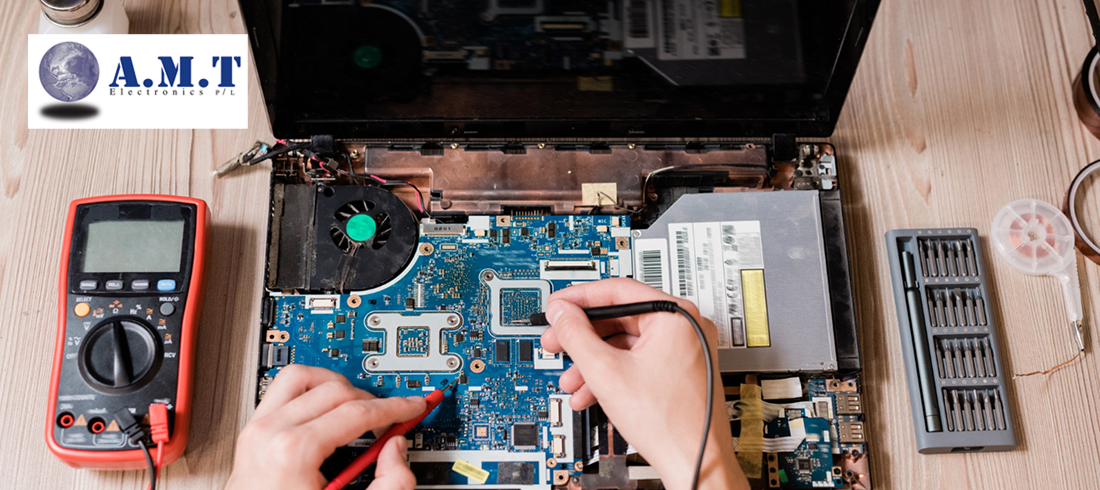
Conclusion
Avoiding these common mistakes after device damage helps protect your data and reduce repair costs. Quick action prevents small faults from becoming major hardware failures. With nearly three decades of experience in electronics repairs in Melbourne, AMT Electronics provides accurate diagnostics and reliable solutions. Get in touch with our team today for quick support.
FAQs
What should I do immediately after dropping my device?
Power off the device immediately and avoid charging it. Continuing use may worsen internal damage. If the device still turns on, back up your data. Seek professional diagnostics quickly to prevent corrosion or component failure, which can increase repair costs and reduce recovery success.
Can a water-damaged laptop still be repaired?
Yes, but success depends on how quickly it is assessed. Liquid causes corrosion that spreads over time. Professional cleaning and board inspection improve repair chances. Avoid charging or turning on the device after exposure to reduce short-circuit damage.
Is it safe to keep using a cracked screen?
No. Cracked screens can pressure internal display layers and damage touch sensors. Glass fragments may also affect internal components. Continued use can convert a simple screen repair into a costly display or logic board replacement.
How long should I wait before getting a damaged device checked?
You should seek diagnosis as soon as possible. Corrosion can start within hours after liquid exposure. Early assessment reduces repair cost, improves data recovery chances, and prevents additional hardware failures.