


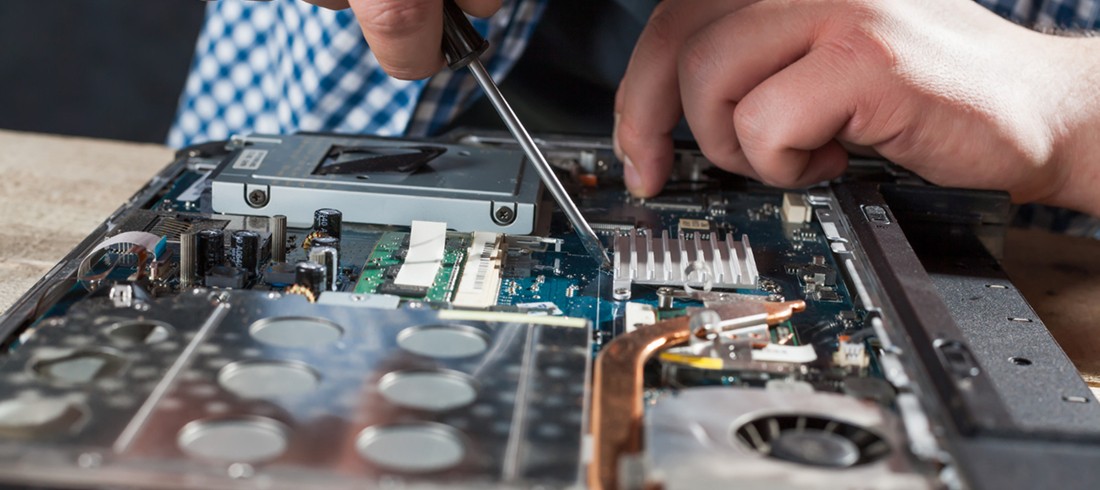
Many laptop users think that if their laptop is slow or broken, they need to buy a new one. In fact, proper diagnostics and professional repair can fix many performance problems.
Common situations include:
- The laptop becomes sluggish.
- Battery overheating or rapid drain.
- Broken keyboards or cracked screens.
- Performance is impacted by storage issues.
With almost 30 years of technical expertise, AMT Electronics frequently resolves these issues with dependable laptop fixes in Melbourne. In this blog, we will discuss how to choose between replacing or repairing a laptop.
Understanding the Real Problem First
The first thing to do before getting a new laptop is to figure out what the problem is. Most devices show signs that seem serious but are usually caused by common technical issues.
1. Software-related Issues
These problems do not require hardware replacement.
Typical examples include the following:
- Operating system corruption.
- Malware or background processes.
- Driver conflicts.
- Storage overload.
Some signs are slow startups, programmes that freeze, or crashes that happen out of the blue. These problems can usually be fixed by resetting the system, cleaning up the storage, or reinstalling the operating system.
2. Hardware Components That Often Fail
Over time, the parts of a laptop’s hardware naturally wear out. Most of these parts, however, can be fixed and aren’t too expensive to replace.
Common replaceable components include:
|
Component |
Typical lifespan |
Repair complexity |
|
Battery |
2 to 4 years |
Easy |
|
SSD / HDD |
4 to 6 years |
Easy |
|
Cooling fan |
3 to 5 years |
Moderate |
|
RAM |
Rarely fails |
Easy |
Professional laptop repair technicians in Melbourne CBD will quickly replace these parts, restoring performance without having to buy a new laptop.
Extend Your Laptop Life With Professional Repairs
Laptop Lifespan: What Most Users Misjudge
Many users think that laptops only last three to four years. However, if taken care of properly, modern laptops can actually last a lot longer.
Typical lifespan ranges:
|
Laptop category |
Average lifespan |
|
Consumer laptops |
4 to 6 years |
|
Business laptops |
6 to 8 years |
|
MacBooks |
6 to 8 years |
Most of the time, performance problems during this time are caused by old storage and insufficient memory rather than hardware failure.
For Apple devices, often during MacBook repairs in Melbourne, professionals fix problems by replacing the battery, repairing the keyboard, or adding more storage.

The Two Performance Bottlenecks
Many slow laptops suffer from two very common technical limitations.
1. Old Mechanical Hard Drives
Older laptops still using traditional HDD storage operate significantly slower than modern SSD systems.
Upgrading to an SSD can improve:
- Boot time dramatically.
- Application launch speed.
- Overall system responsiveness.
This upgrade alone often makes an older laptop feel new again.
2. Insufficient RAM
When RAM capacity is low, the laptop constantly writes temporary data to the storage drive. This slows performance significantly.
Increasing RAM allows the following:
- Better multitasking.
- Faster application switching.
- Reduced freezing or lag.
In many cases, professional laptop repair services in Melbourne can upgrade RAM and storage at a fraction of the cost of buying a new device.
The 50% Repair Rule
Many repair technicians follow a simple evaluation guideline.
If the repair cost exceeds roughly 50% of the laptop’s current value, replacement may be the better option.
Example:
- Laptop value: $900
- Repair cost: $500
Replacement might make more financial sense.
However, repairs under $300 often make practical sense, especially when the device still has strong processing power.
Fix Laptop Issues Before Replacing Your Device
When Is Repair the Better Choice?
Repair is usually recommended when:
- Laptop is under five years old.
- Only the battery or storage is failing.
- System performance is slow.
- Repair is much cheaper than replacement.
Professional technicians performing laptop fixes in Melbourne frequently solve these issues with upgrades rather than full device replacement.
When Replacement Makes More Sense
Replacement may be necessary in situations such as:
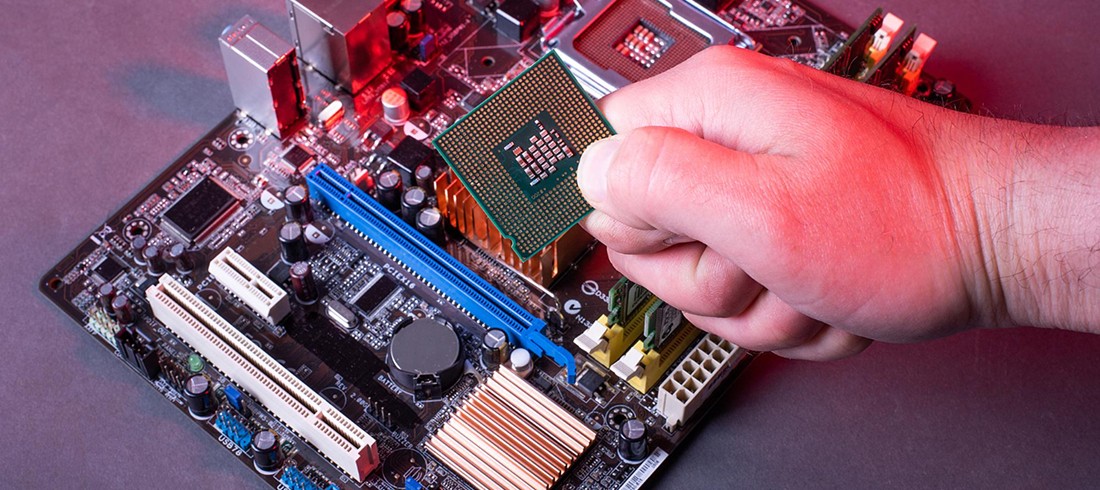
- Major motherboard failure.
- Severe liquid damage affecting multiple components.
- Outdated processors unable to support modern software.
- Multiple expensive component failures.
In these cases, investing in a newer device may provide better long-term value. Some users also consider buying a refurbished MacBook in the Melbourne CBD as a cost-effective alternative to brand-new systems.
Environmental and Financial Impact
Repairing laptops instead of replacing them reduces electronic waste and extends device life cycles. It also saves users significant costs, especially in Australia, where electronics prices can be higher due to import costs and taxes.
Reliable laptop repair in Melbourne CBD services helps users keep devices running longer without unnecessary upgrades.
Conclusion
Deciding whether to repair or replace a laptop requires understanding the real issue, device age, and repair cost. Many laptops still have several years of usable life when properly repaired or upgraded.
AMT Electronics has helped Melbourne customers restore device performance through expert laptop repair service in Melbourne. Our technicians provide accurate diagnostics, reliable laptop fix Melbourne solutions, and practical repair advice.
If your laptop is slowing down or malfunctioning, contact our team today for professional laptop repair in Melbourne CBD.
FAQs
Is it better to repair or replace a laptop
It depends on the age of the device and the cost of repair. If the repair cost is significantly lower than the price of a new laptop and the device is under five years old, repairing is often the more cost-effective option.
What is the average lifespan of a laptop
Most laptops last between four and eight years depending on usage, hardware quality, and maintenance. Business laptops and MacBooks generally last longer, especially when upgraded with SSD storage or additional RAM.
What are the most common laptop repairs?
Typical repairs include battery replacement, SSD upgrades, RAM upgrades, screen replacement, and keyboard repair. These fixes often restore performance and extend the device lifespan significantly.
Can upgrading hardware make an old laptop faster?
Yes. Upgrading from a traditional hard drive to an SSD and increasing RAM are two of the most effective ways to improve laptop performance without replacing the entire device.